
Beautiful documents fast and easy...
Try it yourself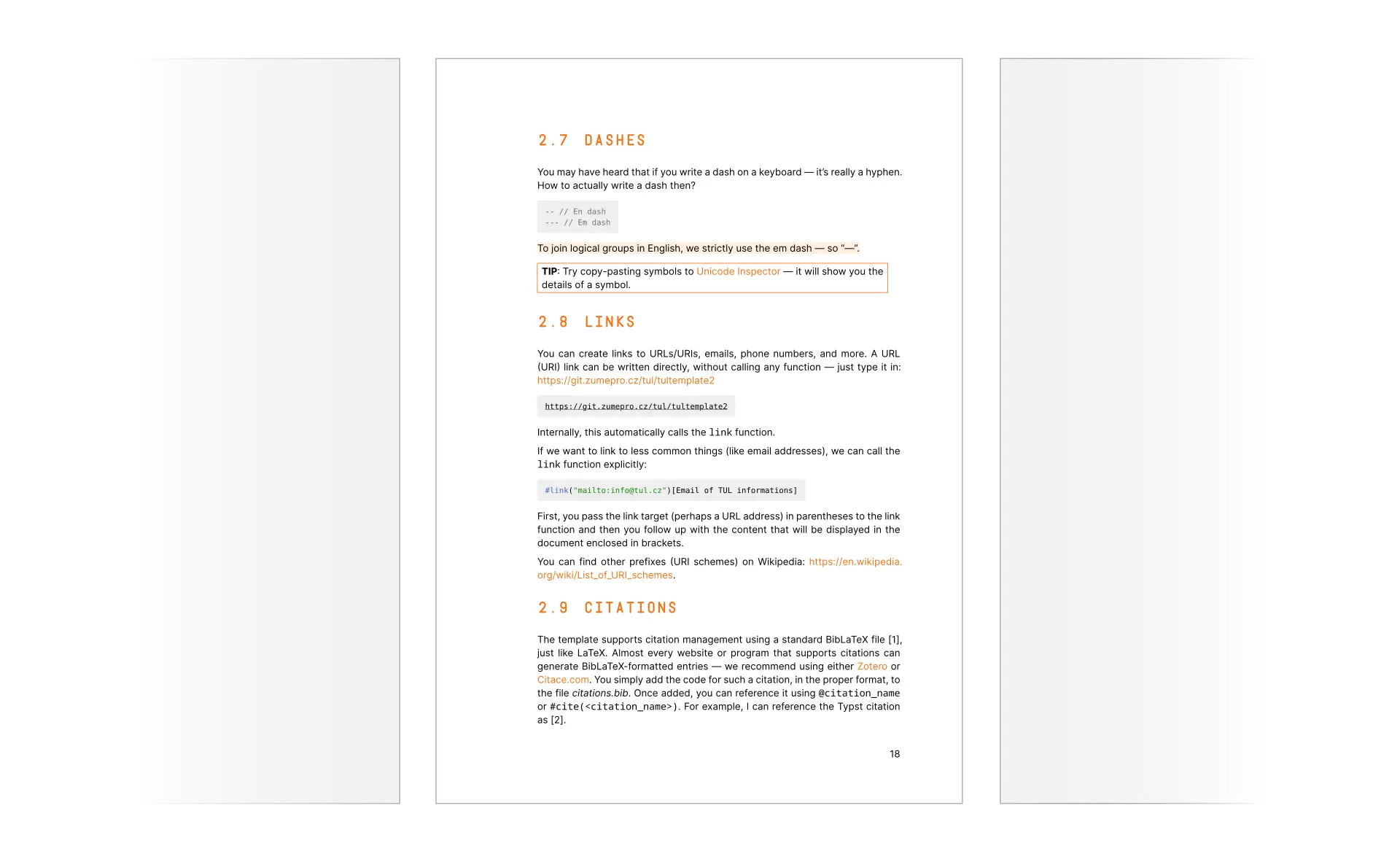
Why this template?

Typographically and technically robust output
Documents created with this template meet a wide range of requirements. The template takes care of, for example, page margins, chapter numbering, line breaking, text alignment and much more.
Documents are prepared for printing, for example thanks to colors specified in the CMYK color model — images and logos can therefore go directly from your computer to the press.
Generated files contain correct metadata, clickable links (within the document and to external sources), a consistent structure and also, for example, pages with assignment information embedded with metadata from STAG.

It actually is simple
Using the template and Typst is much easier than tools like LaTeX.
Tools such as the online editor will help you write the document and you don't even have to remember any functions.
If you insert images, tables, ... Our examples, which the generator inserts into the sample documents, will help you.
Visually, the document source resembles simple markup formats such as Markdown.
You will therefore learn the syntax very quickly and the development environment will tell you if you make a mistake.

Support for you
The template includes extensive (and continuously growing) documentation.
Sample documents contain examples of nearly everything you might want to do with the template. And what is not in our examples you'll find in Typst's own examples.
The template, including images, fonts, language packs, and citation styles, is completely open and free for any use.
If you are a pioneer and encounter an unexplored problem, or will wish to create an unsupported document — you can contact us and we will try to help you.

Tailored for TUL documents
The document's formatting and visual style are tailored for our university.
The template is regularly consulted with faculty leadership, instructors and typographers — for the highest quality of your documents.
Inside the template you'll find themes for all faculties (including the CXI institute) and the appearance of the entire document will match the selected faculty.
Video tutorials
Coming soon
Let's do it
Where to start?
We have a page to guide you through your first encounter with the template. We recommend starting there.
Getting started...For experts!
Are you familiar with this template and it's syntax already? Do you want to override some behavior of the generator? We got you. Please be careful when packing the template and using it directly — we can't enforce the correct behavior in this scenario (so you're kinda on your own).
Repository